✨ New Arrivals Just Dropped!Explore
Product image 1
HomeStore

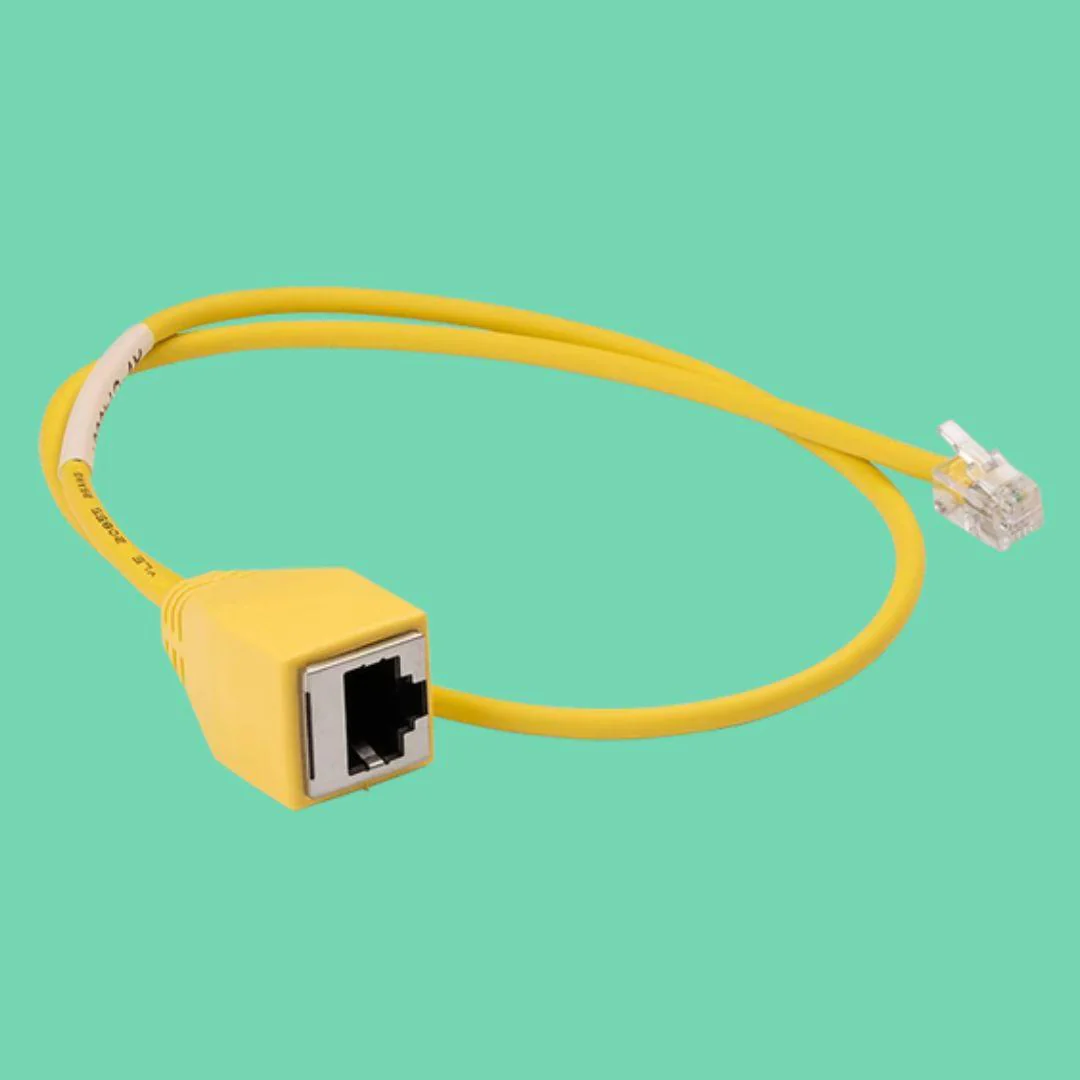
RJ11 to RJ45 Ethernet Adapter Cable for Nayax VPOS Touch

RJ11 to RJ45 Ethernet Adapter Cable for Nayax VPOS Touch

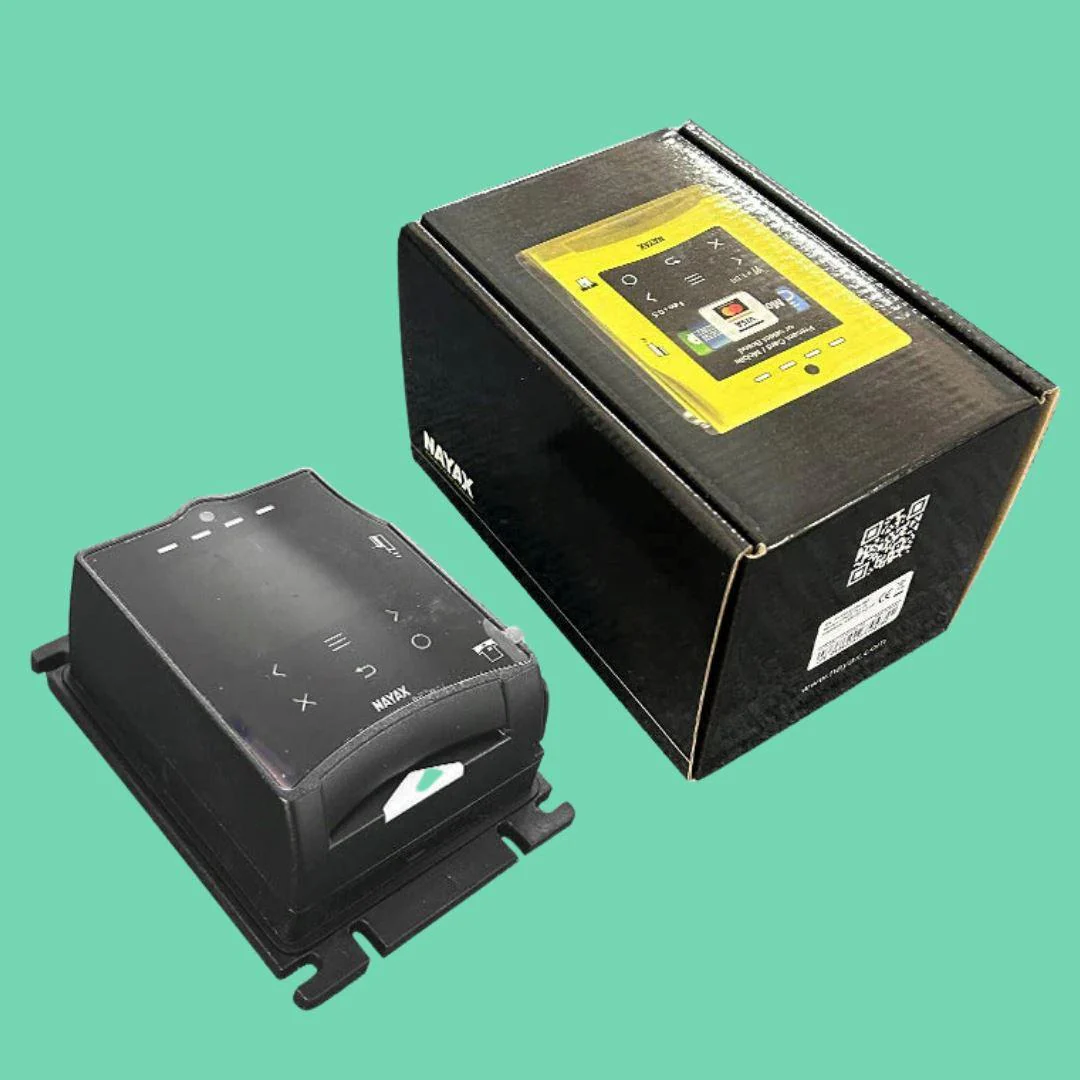
Having trouble getting a reliable cellular connection on your Nayax VPOS Touch credit card terminal? Tried different SIM cards, carriers, and even high-gain antenna boosters with no success?

You may be in a cellular dead zone.

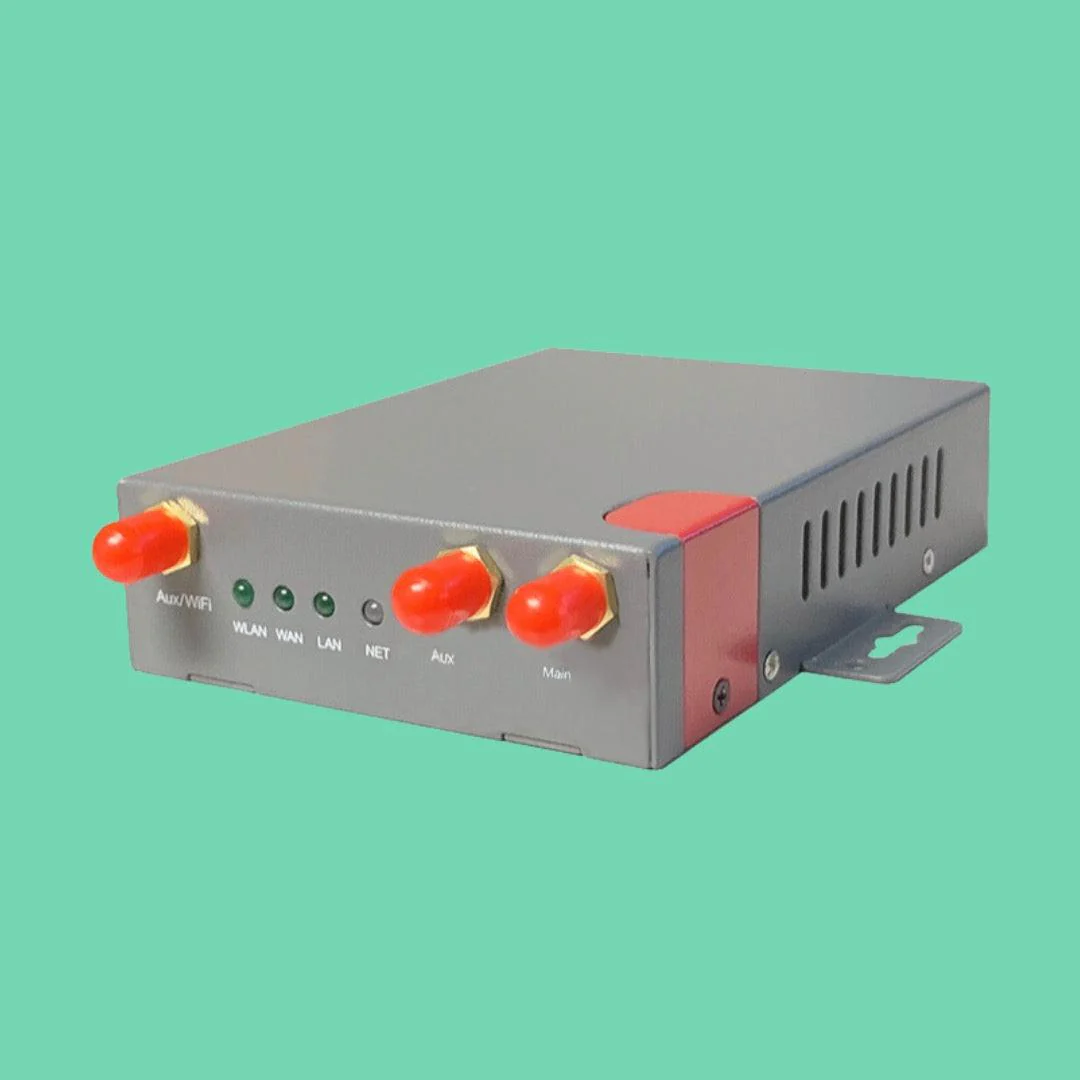
The most reliable solution is to bypass cellular entirely and connect your Nayax reader directly to the internet using this RJ11 to RJ45 Ethernet adapter cable.

Unfortunately, Nayax credit card readers come equipped with a traditional phone line jack (RJ11), making it challenging to use a standard Ethernet connection. That’s where this adapter cable comes in — it converts the phone jack into an Ethernet jack, allowing for a seamless and stable wired connection.

Simply plug your RJ45 Ethernet cable into the adapter, and you’re good to go! Just make sure to turn off WiFi and set your network connection to Ethernet, usually configured as DHCP (Dynamic). Problem solved — your vending machine payment system is now connected and ready for smooth transactions!

Technical Specifications

  • Connector Type: RJ11 Male to RJ45 Female
  • Compatibility: Nayax VPOS Touch card readers
  • Application: Ethernet, LAN, WiFi range extenders
  • Installation: Plug-and-Play
$6.00

Original: $20.00

-70%
RJ11 to RJ45 Ethernet Adapter Cable for Nayax VPOS Touch

$20.00

$6.00

Product Information

Shipping & Returns

Description

Having trouble getting a reliable cellular connection on your Nayax VPOS Touch credit card terminal? Tried different SIM cards, carriers, and even high-gain antenna boosters with no success?

You may be in a cellular dead zone.

The most reliable solution is to bypass cellular entirely and connect your Nayax reader directly to the internet using this RJ11 to RJ45 Ethernet adapter cable.

Unfortunately, Nayax credit card readers come equipped with a traditional phone line jack (RJ11), making it challenging to use a standard Ethernet connection. That’s where this adapter cable comes in — it converts the phone jack into an Ethernet jack, allowing for a seamless and stable wired connection.

Simply plug your RJ45 Ethernet cable into the adapter, and you’re good to go! Just make sure to turn off WiFi and set your network connection to Ethernet, usually configured as DHCP (Dynamic). Problem solved — your vending machine payment system is now connected and ready for smooth transactions!

Technical Specifications

  • Connector Type: RJ11 Male to RJ45 Female
  • Compatibility: Nayax VPOS Touch card readers
  • Application: Ethernet, LAN, WiFi range extenders
  • Installation: Plug-and-Play

You may also like

NEW
Thumbnail 1

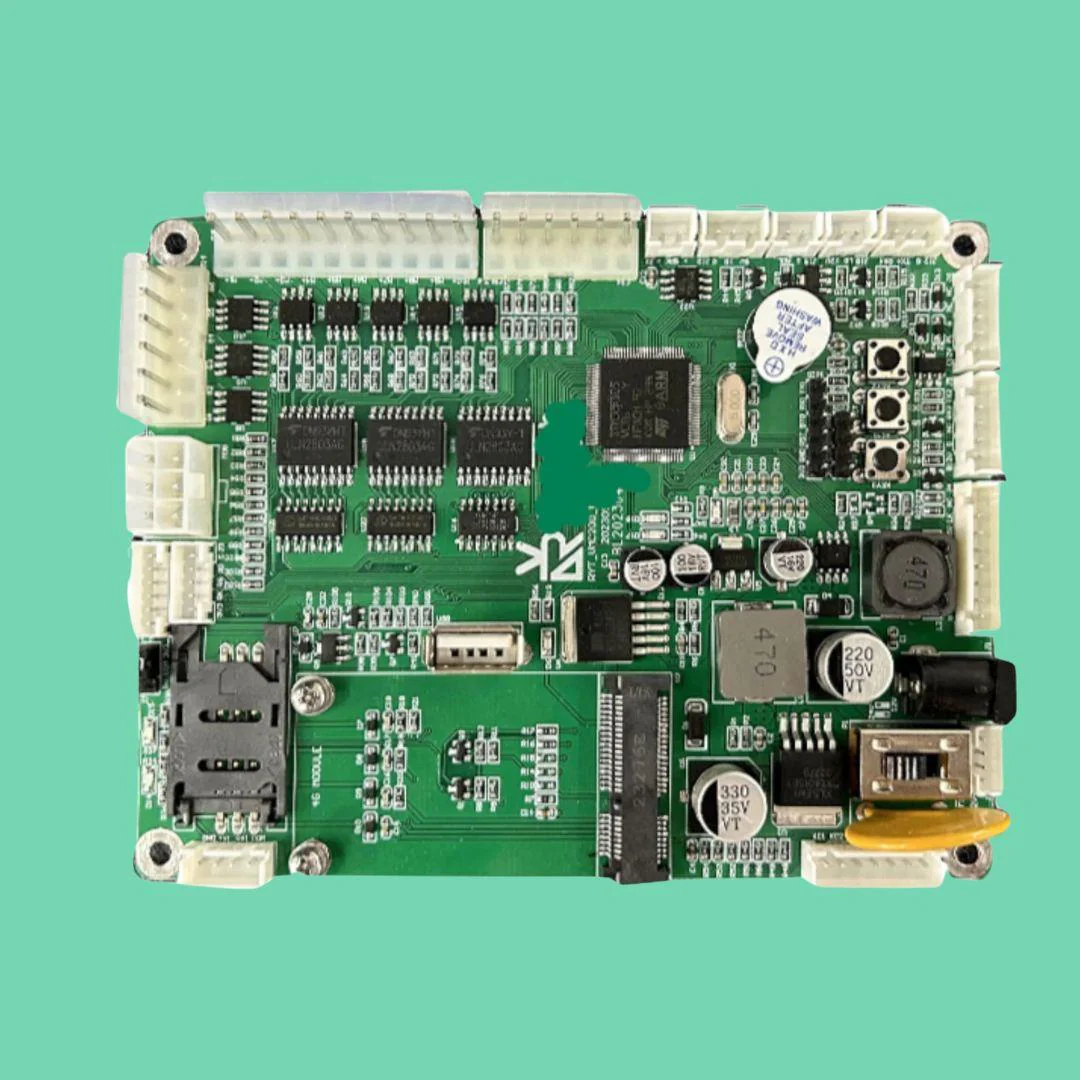
Vending Control Board

$225.00

NEW
Thumbnail 1

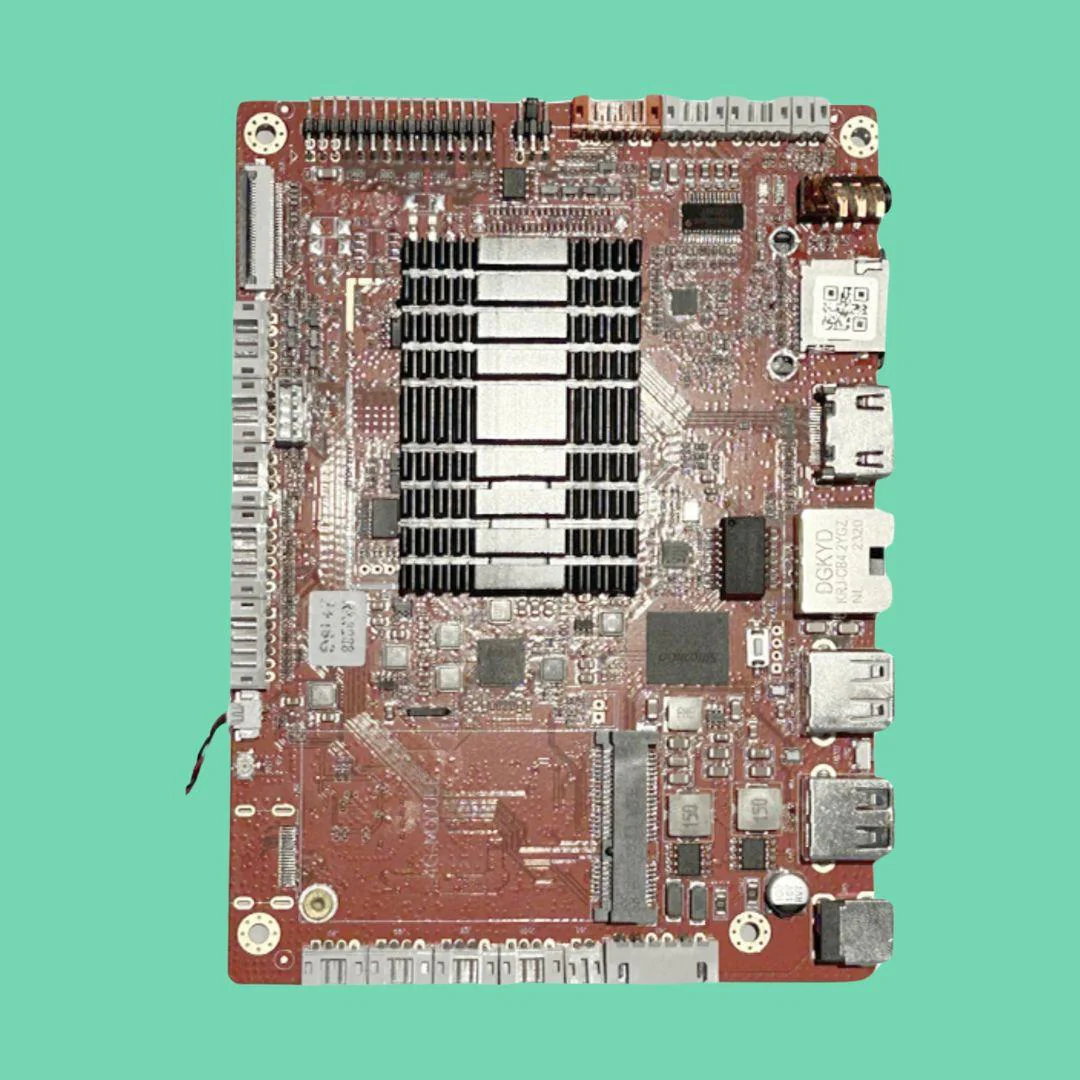
Android Replacement Board

$300.00

-70%NEW
Thumbnail 1

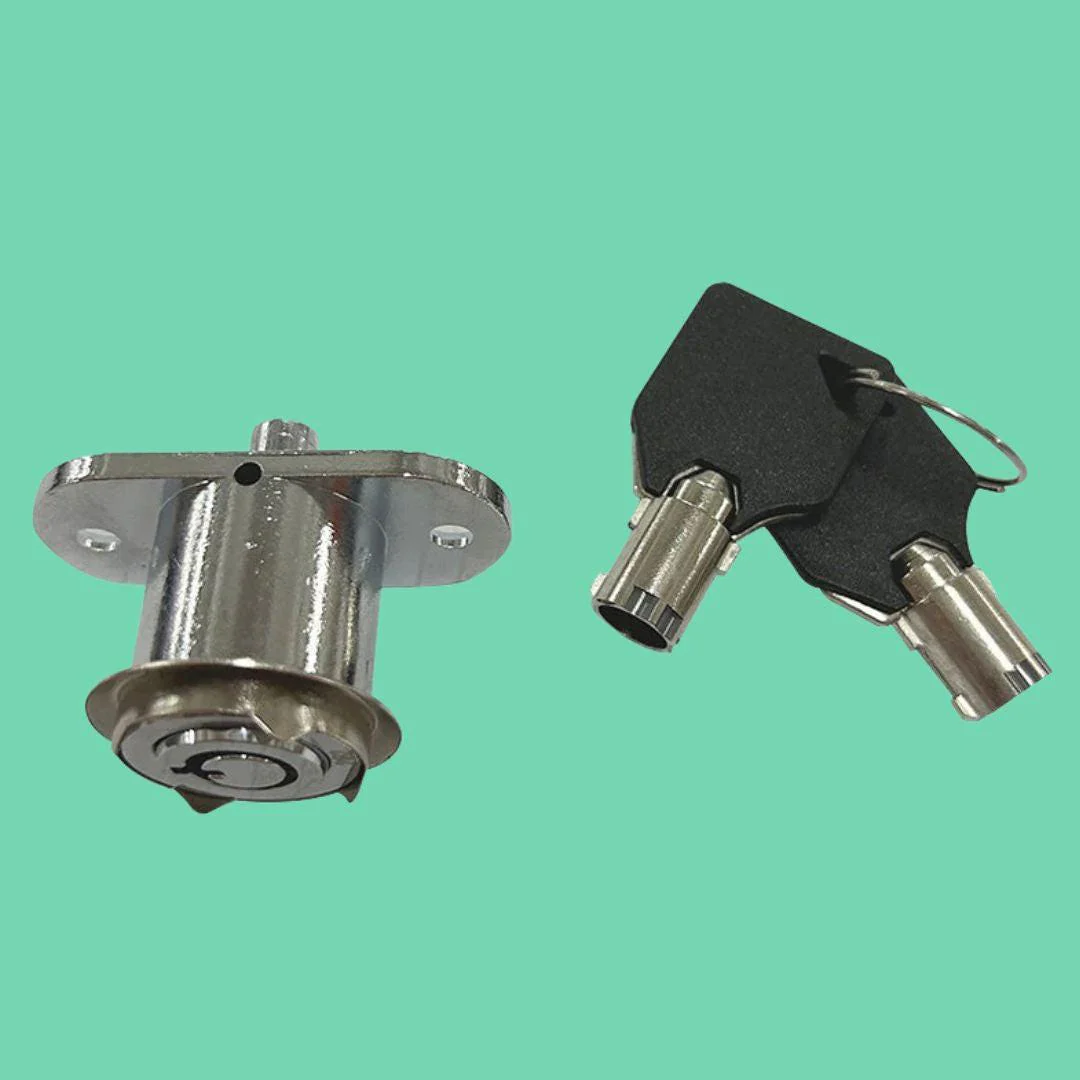
VTM Vending Machine Lock and Keys

$30.00

$9.00

-70%NEW
Thumbnail 1

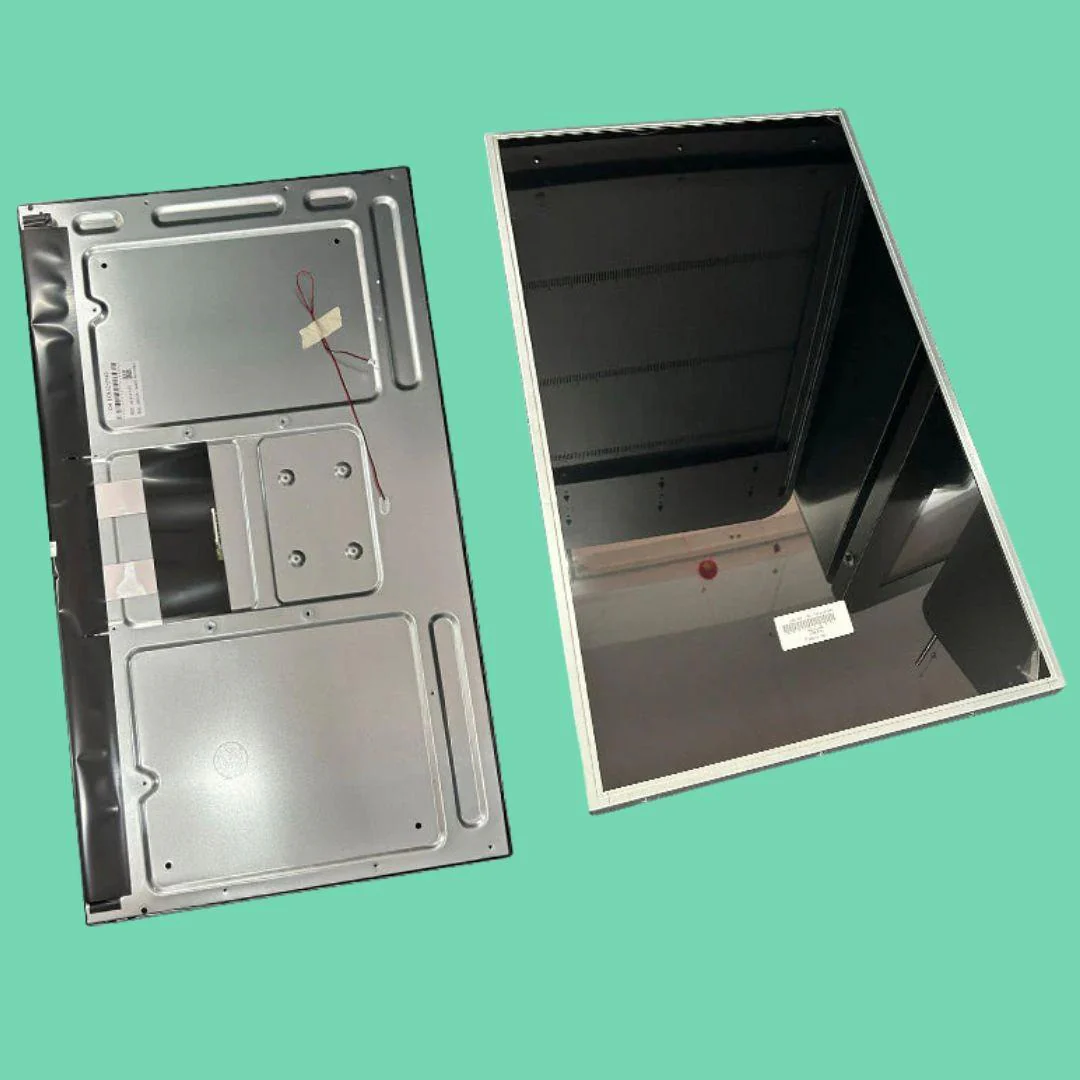
32” LCD Touchscreen

$900.00

$270.00

-70%NEW
Thumbnail 1

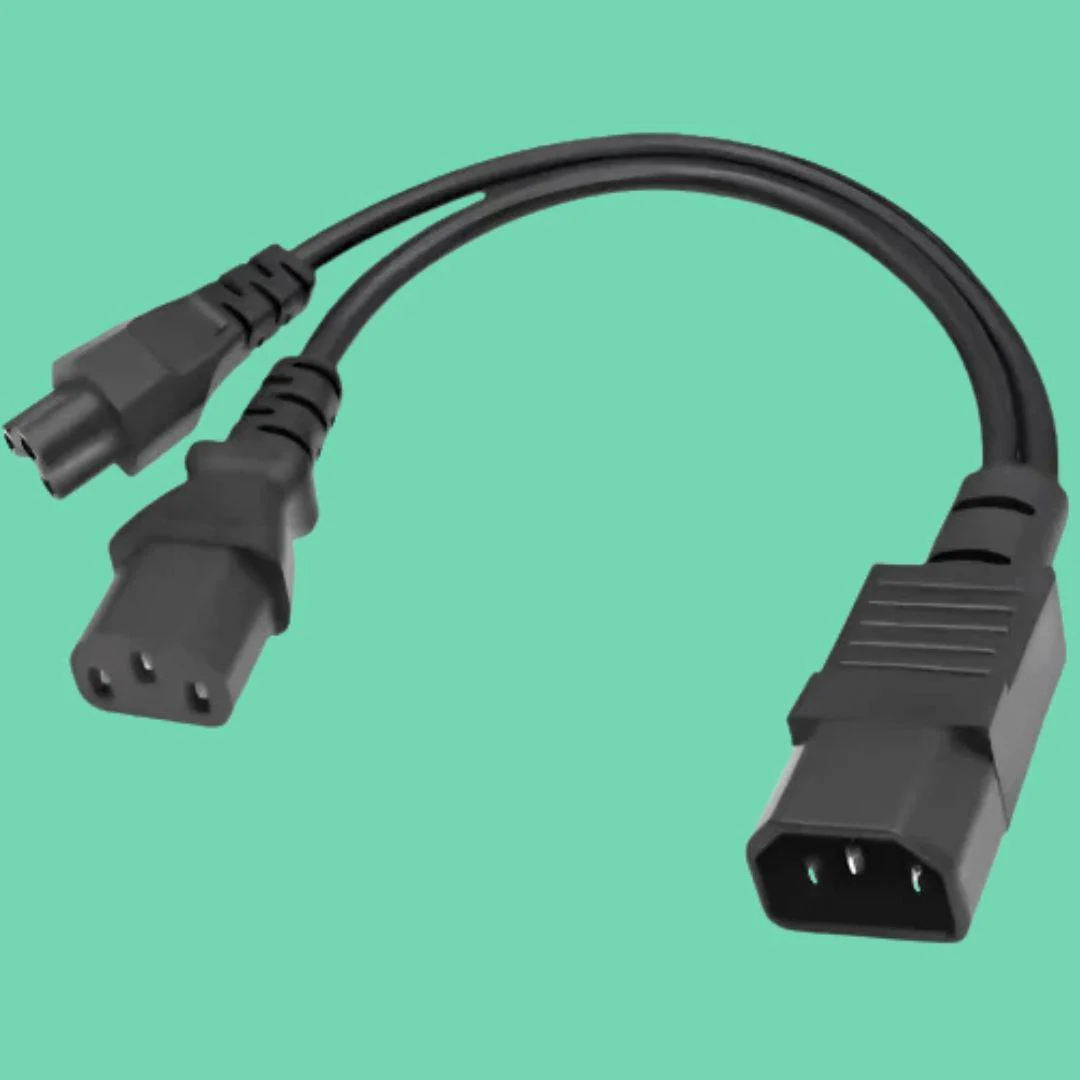
Power Splitter for Vape ATMs

$19.99

$6.00

NEW
Thumbnail 1Thumbnail 2

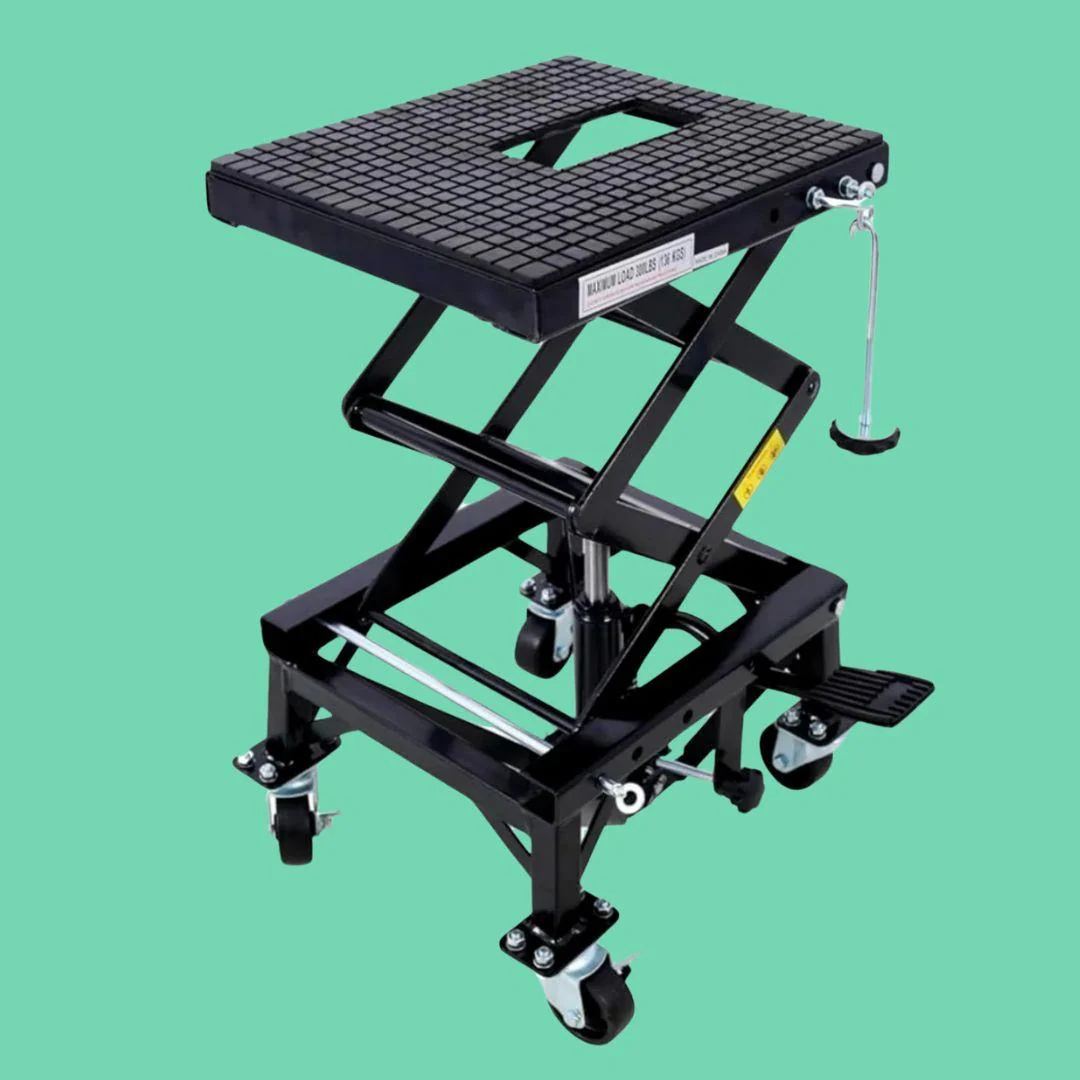
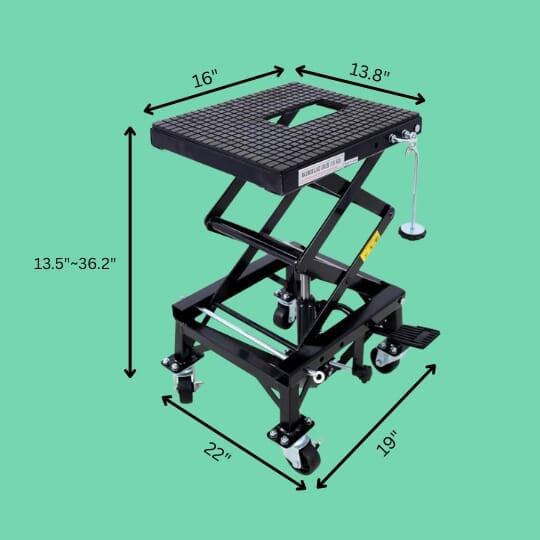
Hydraulic Lift

$450.00

NEW
Thumbnail 1Thumbnail 2

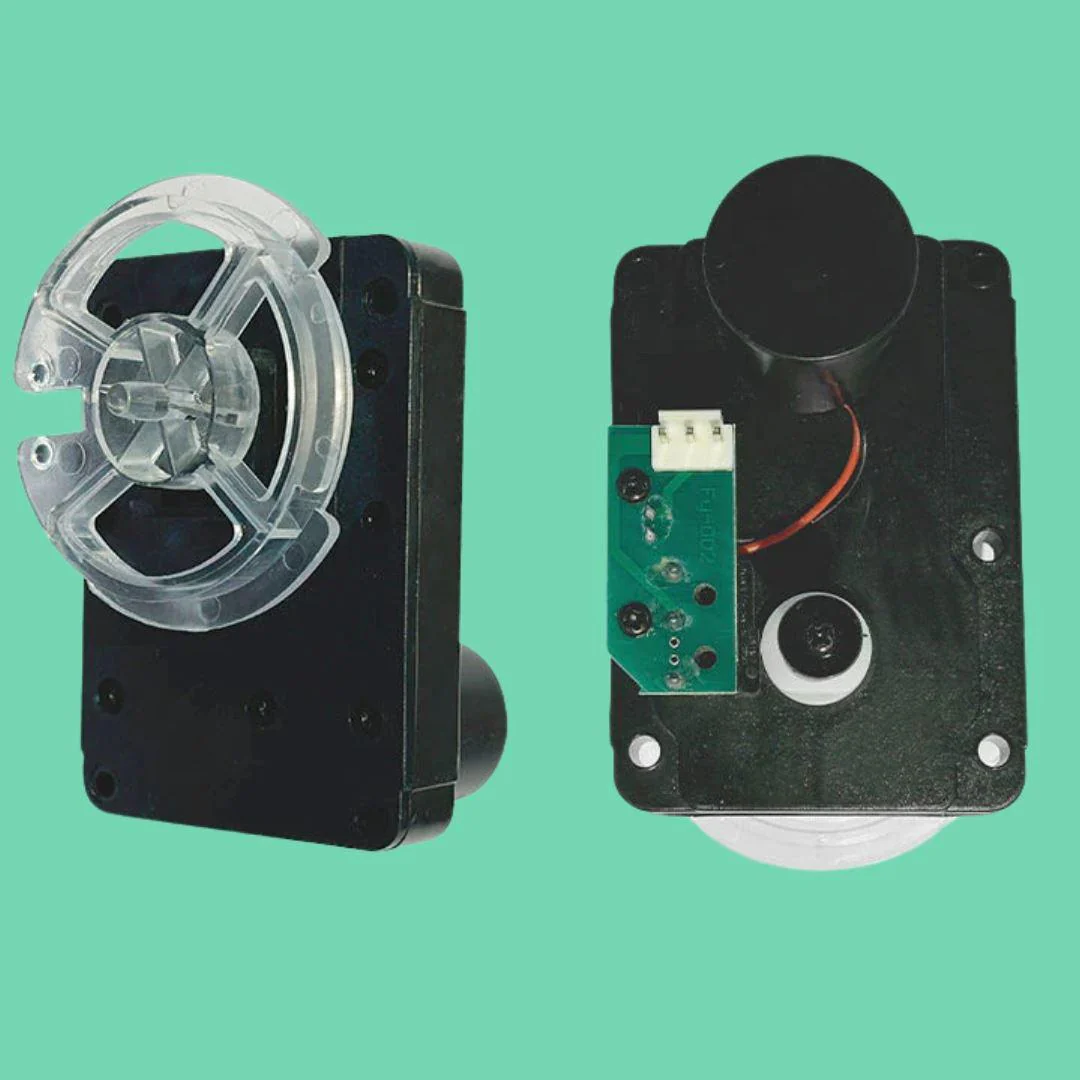
Vending Machine Motors - 2 Pack

$75.00

NEW
Thumbnail 1Thumbnail 2

Pedestal Stand

$450.00

NEW
Thumbnail 1

Nayax High Gain Cellular Antenna 6ft

$60.00

-70%NEW
Thumbnail 1

Installation Hardware kit for Wall-mounted Vending Machine

$75.00

$22.50

NEW
Thumbnail 1Thumbnail 2

Nayax VPOS Touch Credit Card Reader

$350.00

NEW
Thumbnail 1Thumbnail 2

VTM / ATM Wireless Device

$195.00